Marketplace
Templates, apps and blocks you can add to any Sophia Stack X site. Each one is reviewed by SOPHIA XT before it is listed, and each install is checked against a catalog we sign, so a package changed on the way never reaches your site.
Hearth
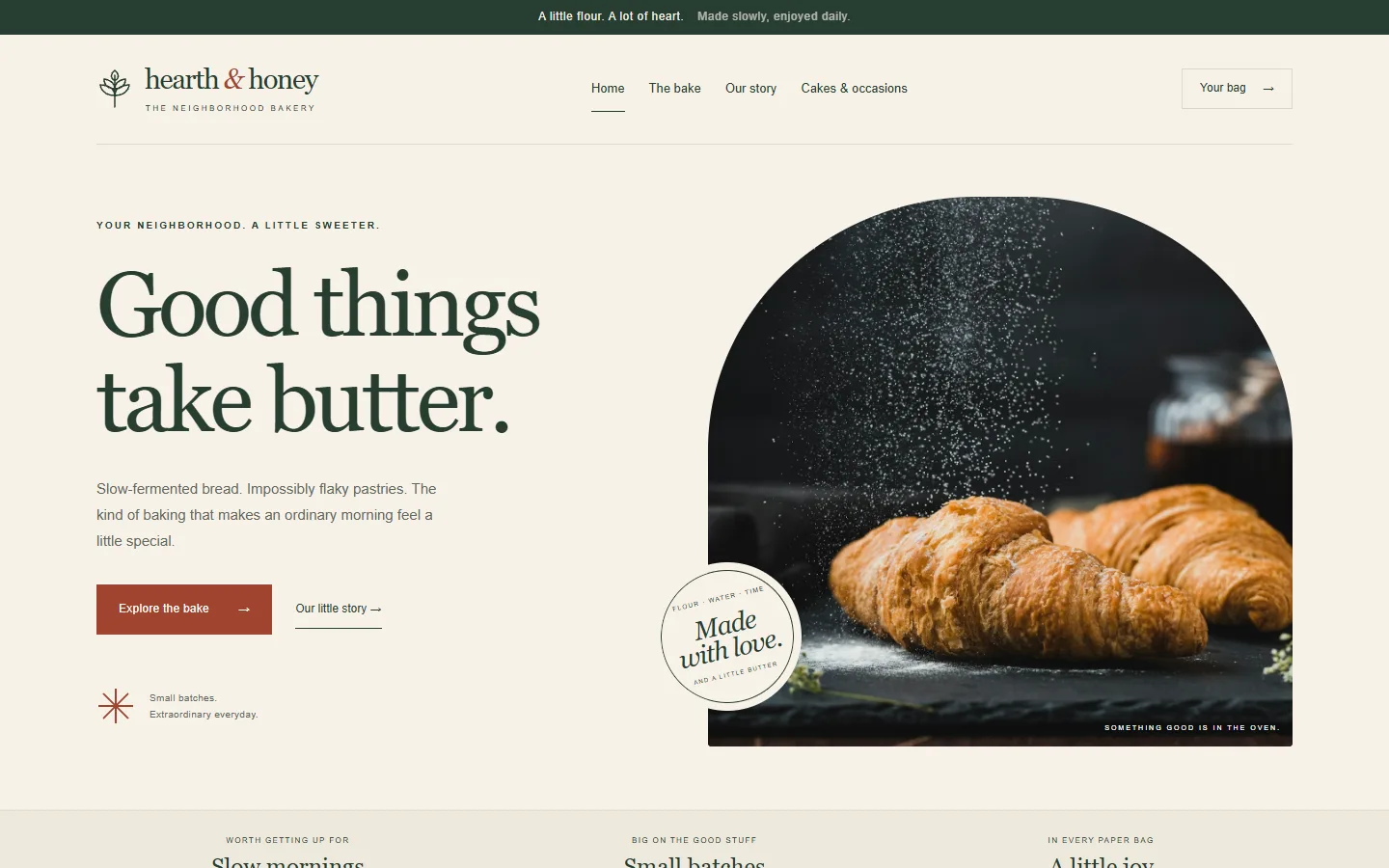
An editorial bakery template: a big serif headline on a warm cream page, a bakery hero and a story block, and pages ready for the shop, a menu and cake inquiries. It was built by an outside AI agent test as a complete bakery site, using the normal shop and forms. Free.
- Template, version 0.1.1
- Two blocks: bakery hero and bakery story
- Colors in the Design screen, with contrast checks
- Asks for no permissions
Install one
In the admin, open a site's Extensions and choose Get more from the marketplace. Installing needs a super user, because an extension is added for the whole install. Apps and blocks are switched on for that site straight away. A template is then chosen under Settings.
From a terminal:
sophia market-list
sophia market-install hearth
AI agents use the market_list and market_install MCP tools. Installing works only for a local agent, not one connected with a site token.
How a package is checked
The catalog at /market/catalog.json is signed with the SOPHIA XT release key, the same key that signs the program's own updates, and every copy of the program carries the public half. Each entry names the package's SHA-256 and the key its publisher signed it with. An install refuses a package unless:
- the catalog's signature checks out;
- the downloaded package matches the SHA-256 in the catalog;
- the package's own signature checks out with the publisher key the catalog names;
- its name and version are the ones listed.
The publisher's key is not added to your install's trusted keys. The catalog vouches for that one package and nothing else. Anyone can check the catalog with openssl, the same way as a download:
openssl pkeyutl -verify -pubin -inkey release-key.pem -rawin -in catalog.json -sigfile catalog.json.sig.bin
List your own
Build your extension (see Building extensions), sign it with your own key using sophia keygen and sophia pack, and check it with sophia check. While we review the first listings, the marketplace is by invitation. Paid listings come later.